
RAVE Guardian
What is RAVE Guardian?
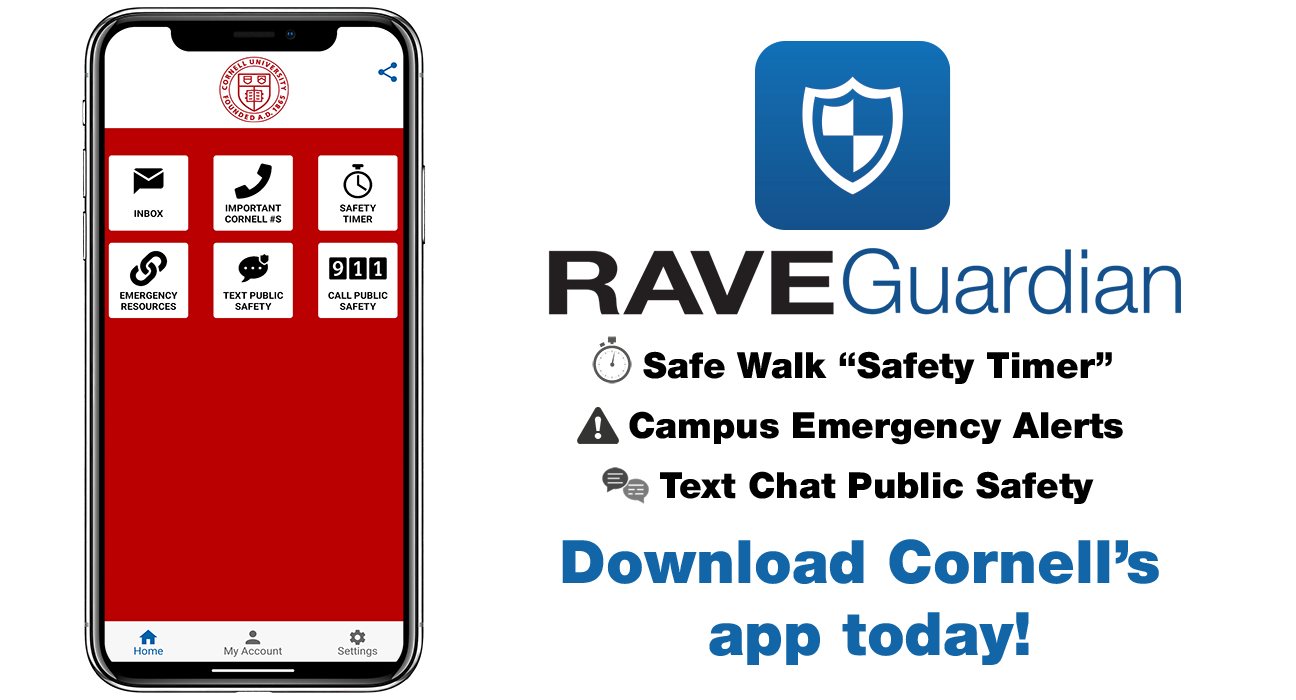
The RAVE Guardian app is part of Cornell University’s emergency mass notification services. This app, free to the campus community, can enhance one’s personal safety on and off campus by turning your smartphone into a personal safety device. Tap or scan the appropriate logo below for your device (Android or Apple) to download the app:
Setting Up RAVE Guardian
Need help? Expand the sections below by clicking or tapping the (+) for a step-by-step tutorial on how to set up the RAVE Guardian app on your phone for the first time.
Step 1: Creating Your Account
Creating Your Account
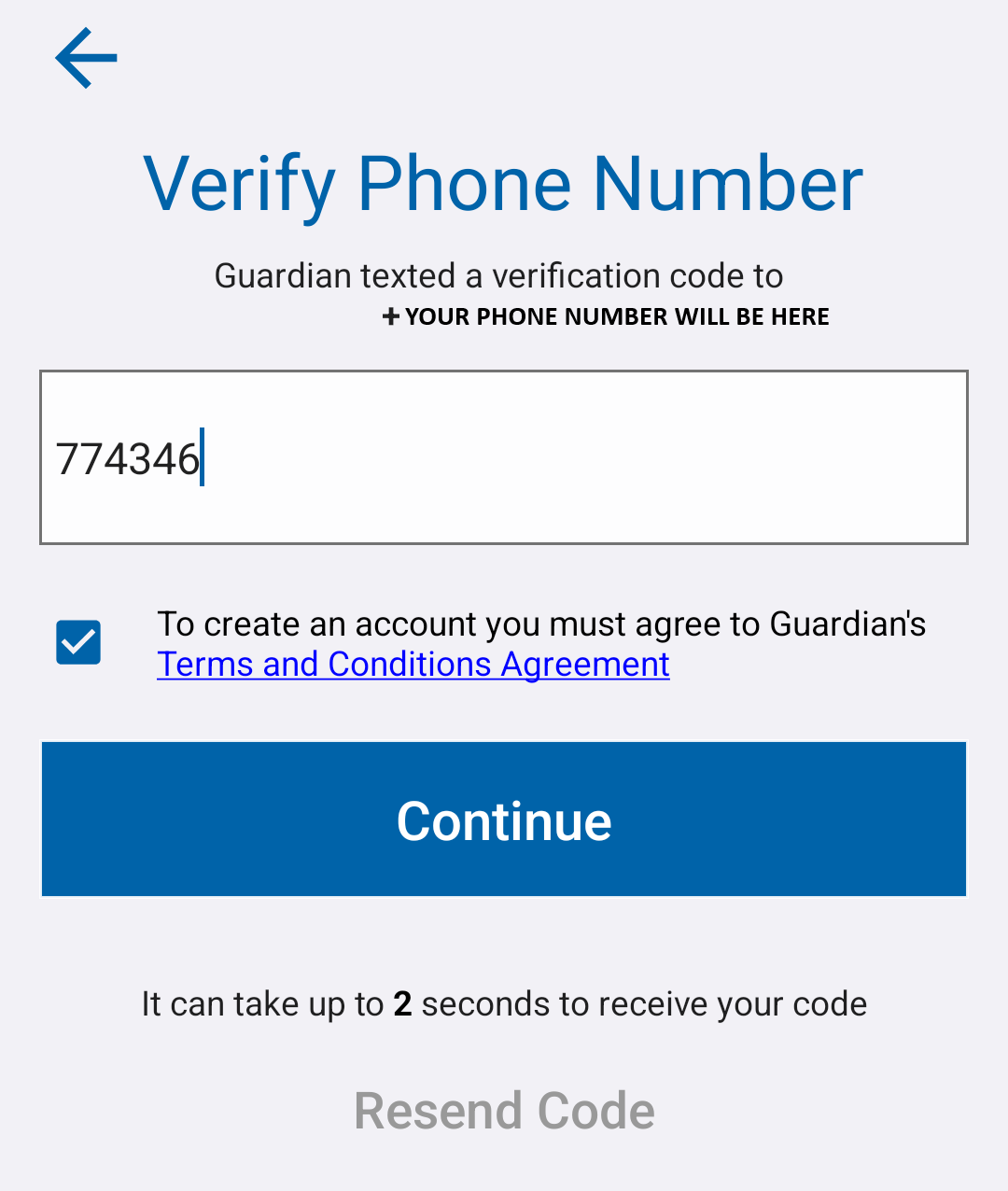
Step 2: Verifying Your Phone Number
Verifying Your Phone Number
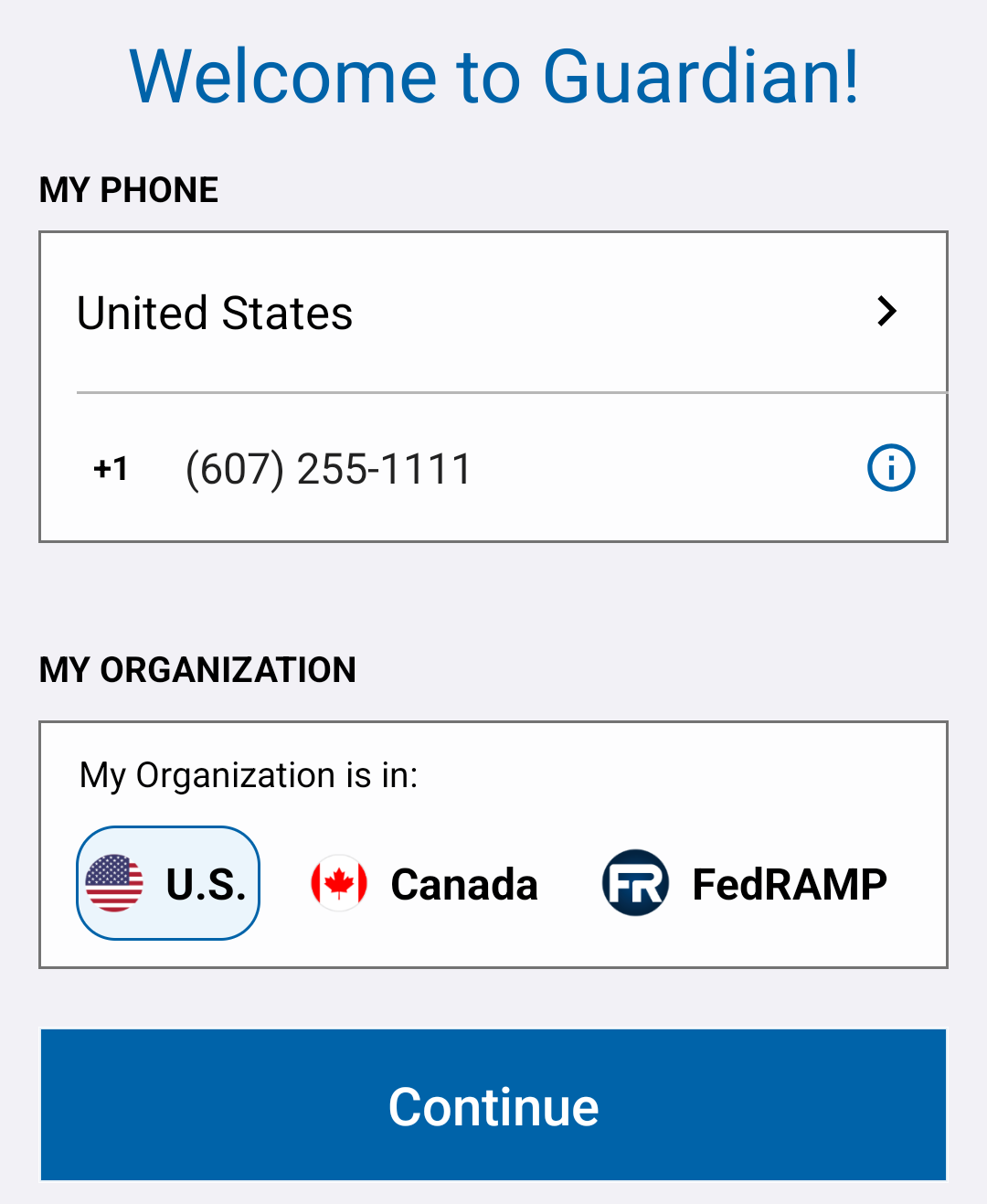
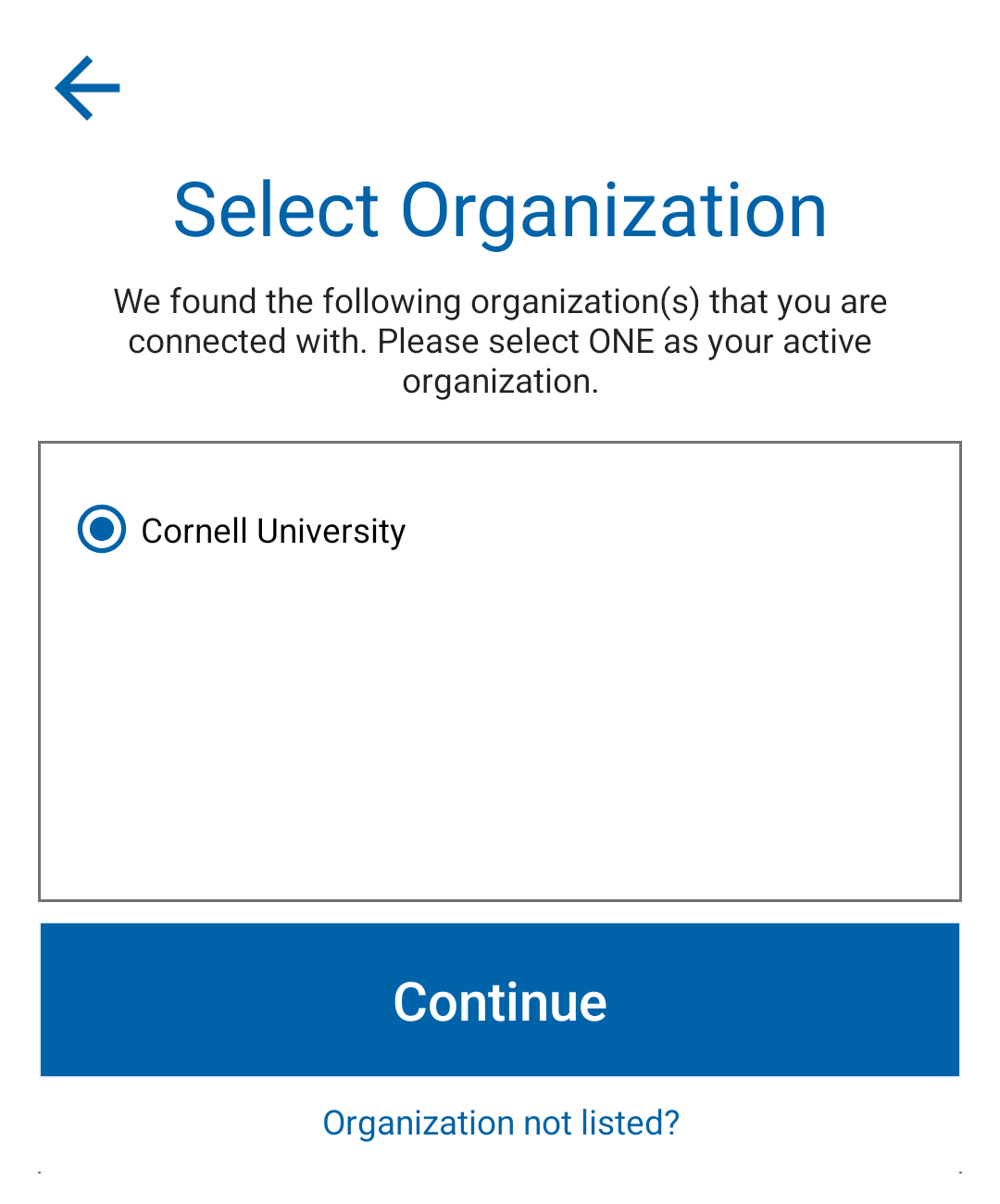
Step 3: Selecting Your Organization
Selecting Your Organization
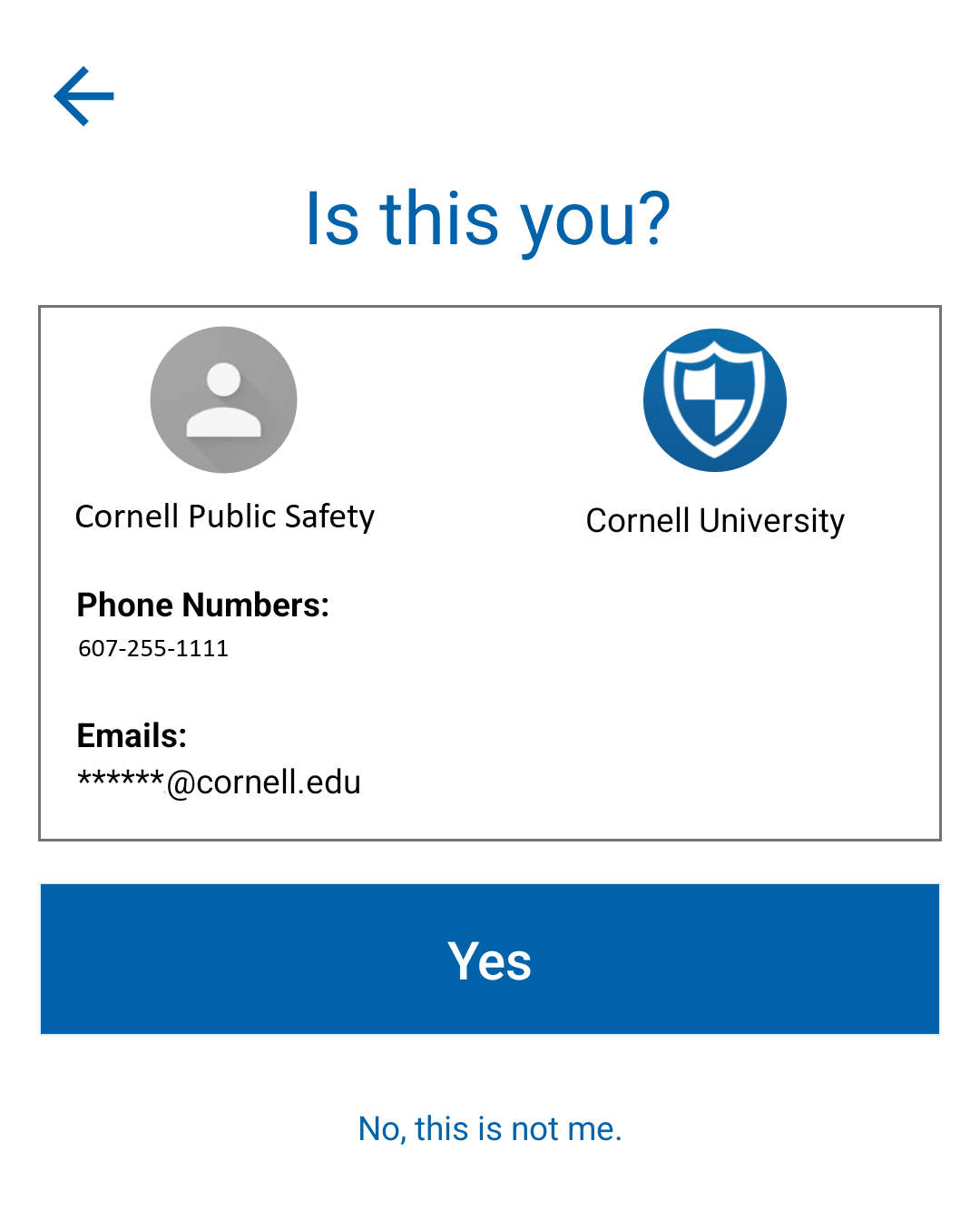
Step 4: Verifying Your Information
Verifying Your Information
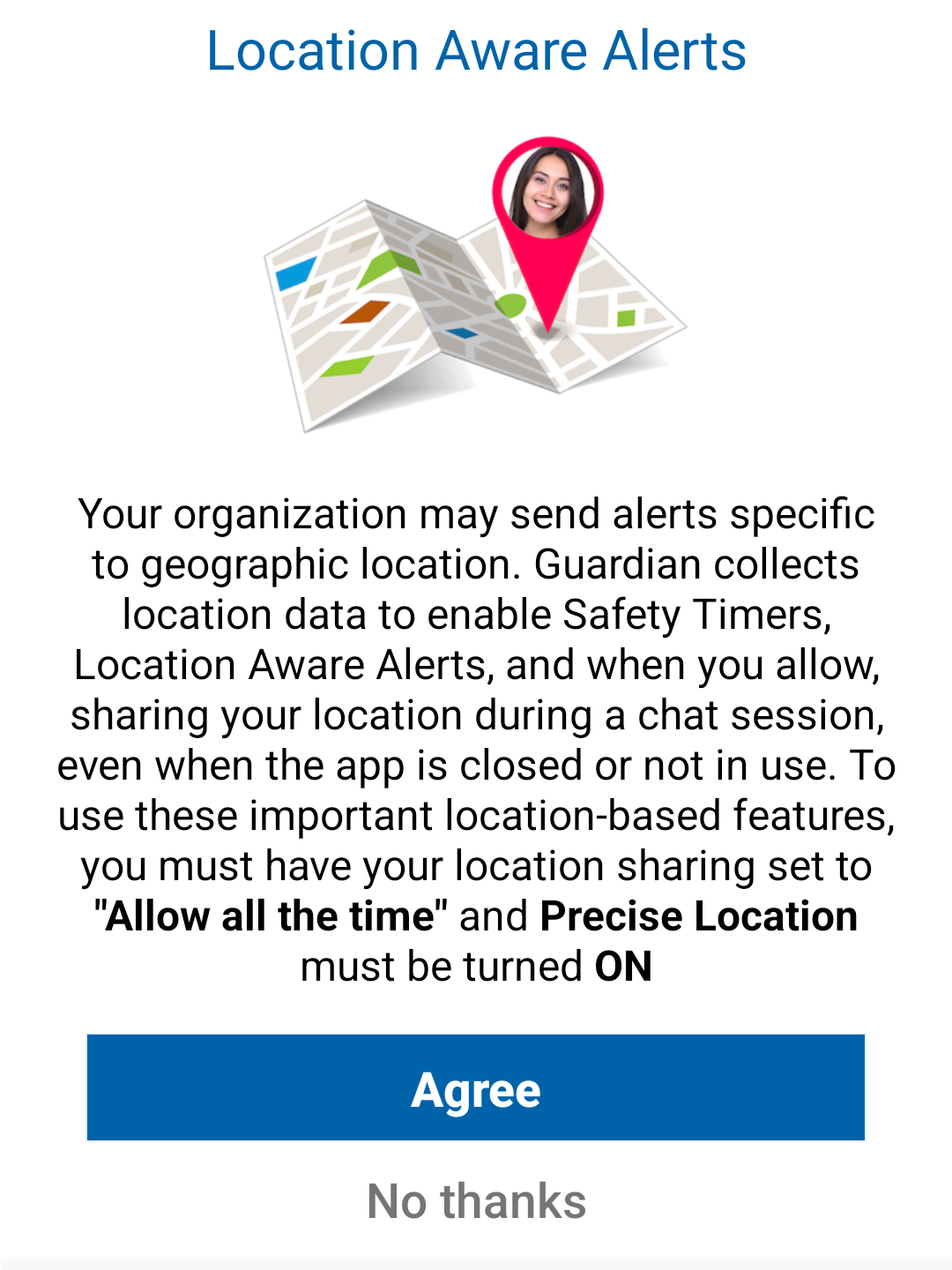
Step 5: Location Preferences
Location Preferences
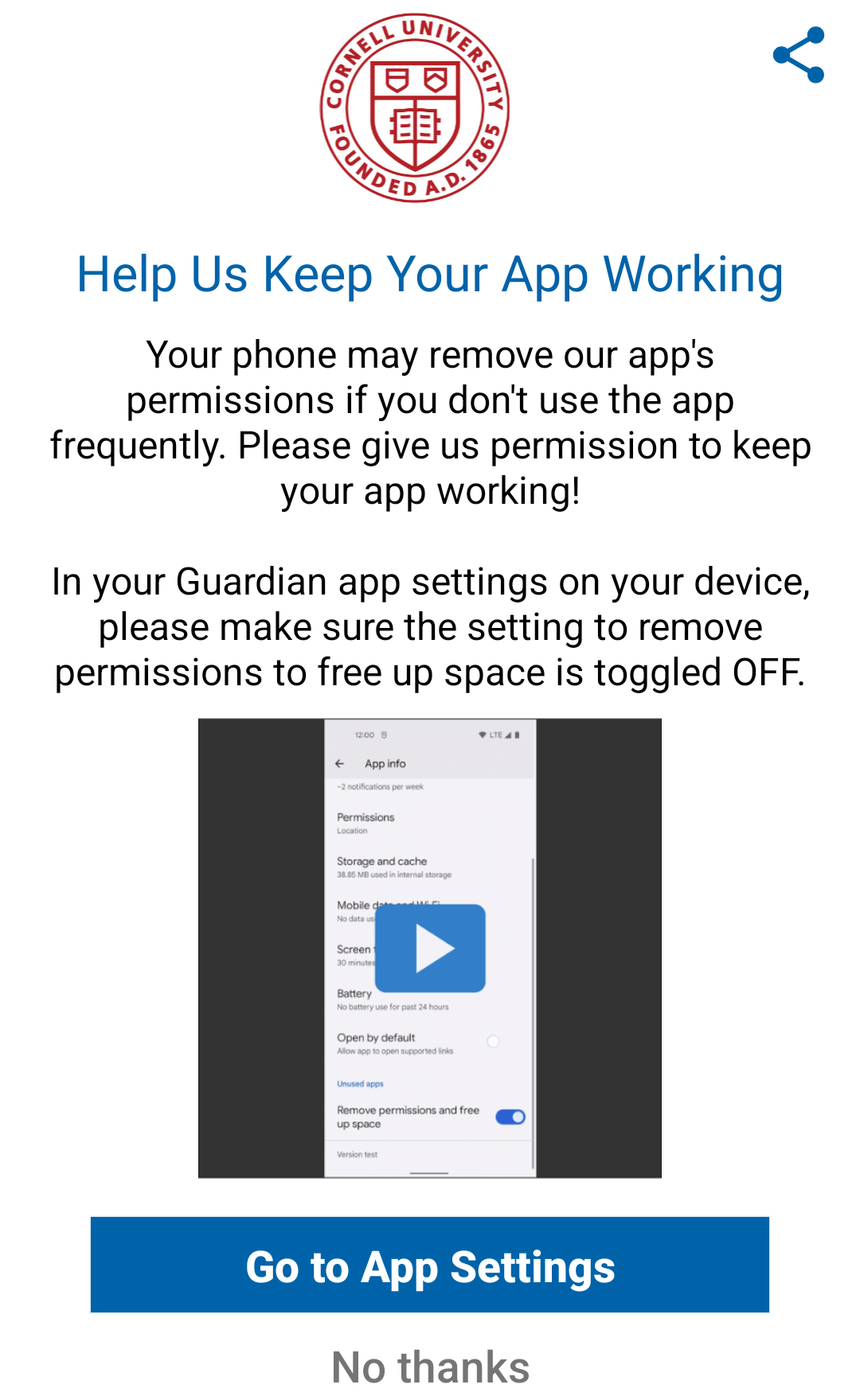
Step 6: Free Space Permissions
Free Space Permissions
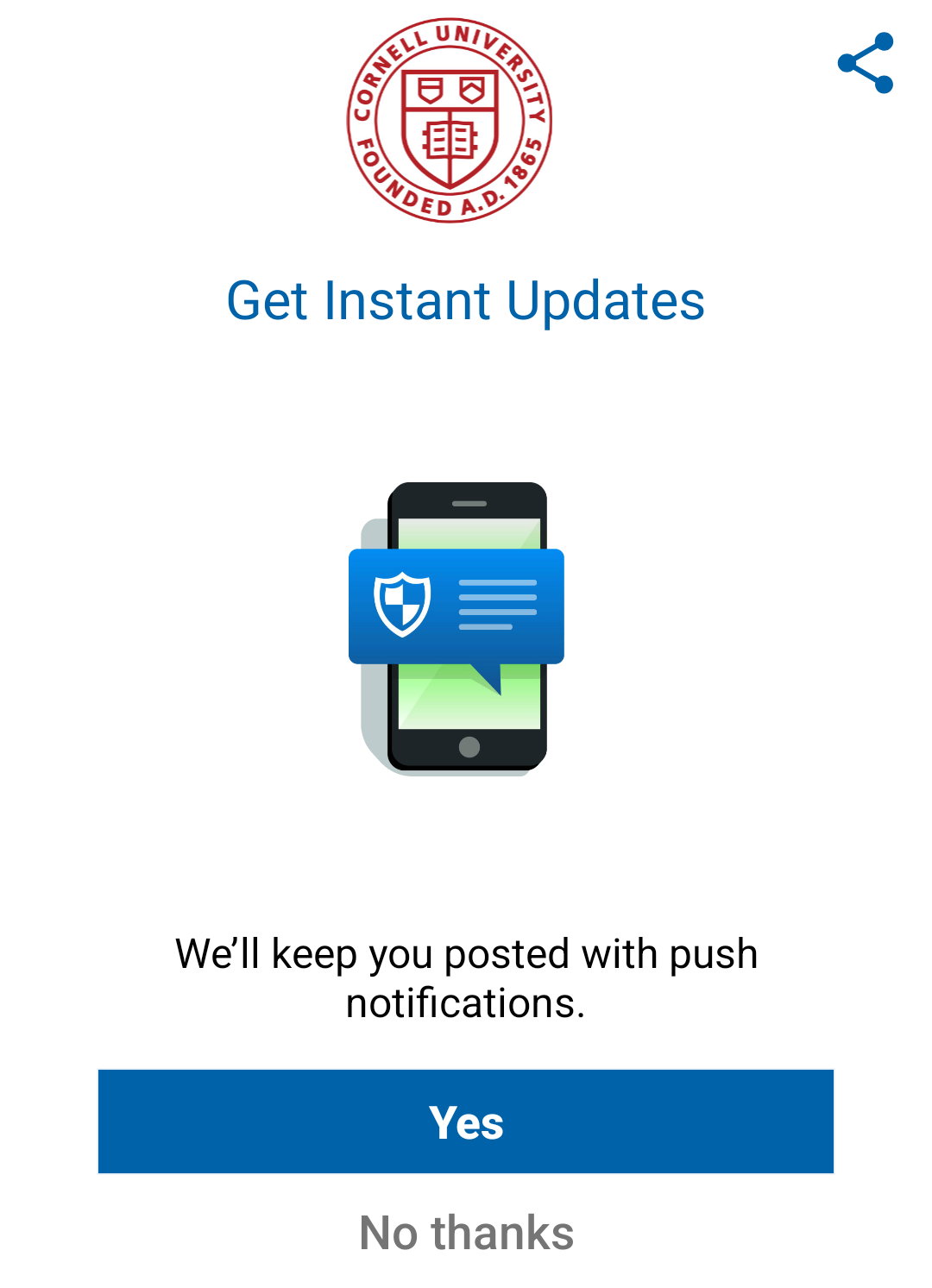
Step 7: Push Notifications
Push Notifications
Frequently Asked Questions (FAQs)
RAVE Guardian is a free personal safety app available to the Cornell University community that helps students, faculty, and staff members stay safe both on and off campus. The application allows users to contact Cornell Police in an emergency, share their location with public safety communications, set a “Safety Timer” when walking alone, and receive campus emergency alerts. Users can also connect with trusted friends, family, or Cornell Public Safety for virtual safe walks and report suspicious activity to Cornell Police. As an accessible way for the Cornell community to improve personal safety and connect with campus emergency services, RAVE Guardian provides a variety of valuable assets to its users.
The app is available to all students, staff, and faculty at Cornell University.
You can search for “RAVE Guardian” in the Apple App Store, Google Play Store, or by tapping your phone provider’s store link or scanning the corresponding QR code at the top of this page.
The “Safety Timer” allows you set a destination and an expected time of arrival when walking alone or traveling somewhere. If you do not deactivate in time, your designated contact or the Public Safety Communications Center will be alerted.
You can invite a trusted friend, family member, or the Public Safety Communications Center to serve as virtual “Guardians” when you travel using the “Safety Timer” feature.
This is your choice as the app can only track your location to support features such as the “Safety Timer” and emergency response. Tracking of your location is dependent on the permissions configured for the app on your phone and location sharing depends on the specific feature used.
Users can submit tips to Cornell University Police Department (CUPD), including information about suspicious activity by using the “Text Public Safety” feature. This creates a chat with a member working in the Public Safety Communications Center, who will relay the information provided to responding officers. You can choose to remain anonymous when using this feature.
Once your RAVE Guardian app is set up and activated for Cornell University, it will deliver CornellALERT emergency notifications and other important safety alerts as long as notifications are enabled.